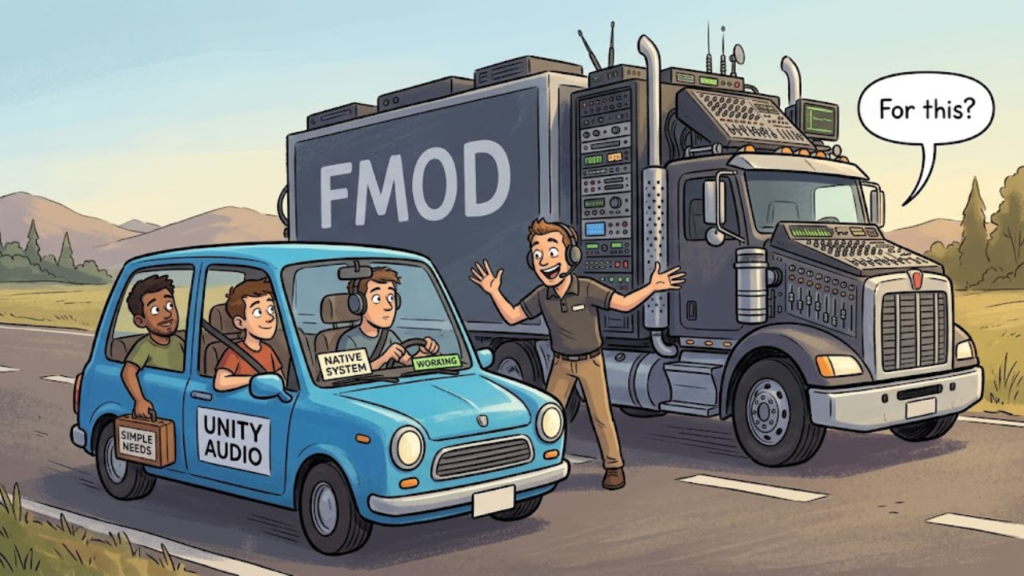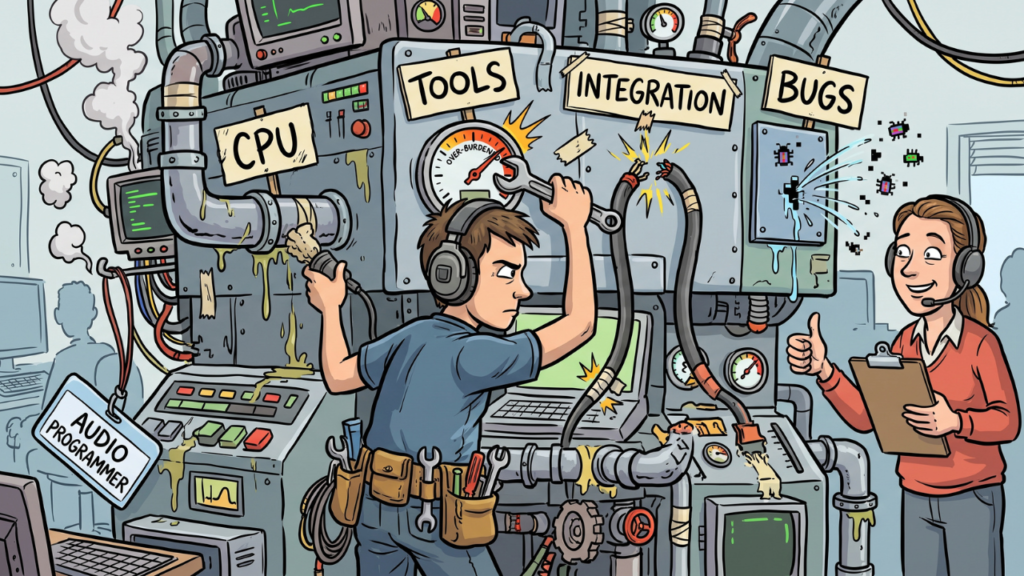
If you know nothing about game audio, implementing a few sound effects in Unreal 5 is manageable. Doing it through Wwise is where the learning curve gets larger, because you are no longer just importing audio. You are taking ownership of an integration, an audio project and the runtime rules that make the sounds behave correctly.
If the immediate goal is finishing a demo, that extra layer may not be worth it yet. Native Unreal audio can keep you closer to the build and let you spend more time solving the game instead of learning a second production workflow.
Start with what the demo actually needs
A demo does not need the final audio architecture of a long production. It needs enough behavior to communicate the game clearly, support the mechanics and make the build feel coherent.
Unreal’s current audio engine already provides native mixing, spatialization, modulation and procedural audio tools, while MetaSounds can react to gameplay data inside the engine. That does not make native audio better than middleware. It means there is enough infrastructure to build a capable demo without adding Wwise by default. Epic’s Audio Engine Overview documents the broader native stack.
The useful question is simple: what problem in this demo requires Wwise right now?
Importing assets is not the hard part
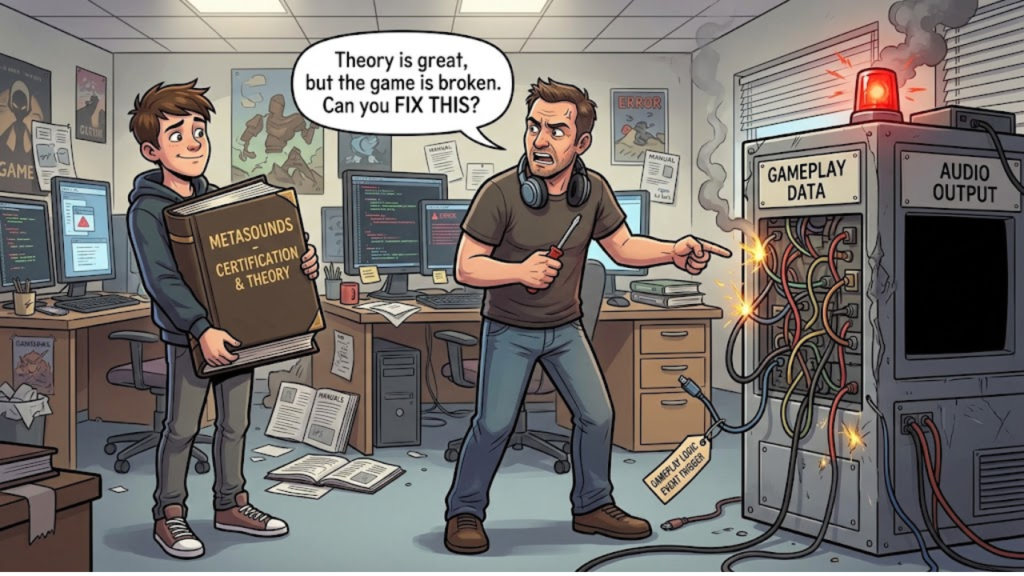
Dropping files into Unreal is easy compared with building the rules around them. Someone still needs to connect gameplay events to audio, control repeated sounds, set spatial behavior and keep the implementation stable as mechanics change.
That is why taking over after an audio contributor disappears can feel larger than expected. The missing work is often ownership of the system, not ownership of the WAV files.
A producer stepping into that role should prefer an implementation they can understand and debug, even if it is less sophisticated than the architecture the project might use later.
Native Unreal audio can be enough
For a demo, staying inside Unreal keeps the learning close to the build you are already trying to finish. MetaSounds provides a DSP graph that can respond to gameplay-driven inputs, while the wider Unreal audio engine handles the rest of the native runtime stack.
That can cover a lot of early production needs without introducing another project, integration version and workflow. The advantage is not feature superiority. It is lower operational overhead for a team that is still trying to establish basic audio ownership.
This matters when time is the real constraint.
Wwise makes sense when the project needs the layer
Middleware becomes more attractive when audio requirements are growing beyond what the team wants to maintain natively. Larger state systems, adaptive music, deeper mixing workflows, substantial VO systems or a dedicated audio team can justify the additional infrastructure.
Audiokinetic’s Unreal integration is a separate plug-in and Wwise project with its own supported-version requirements and workflow. That structure is valuable when the project benefits from it, but it is still something the team needs to own. Audiokinetic’s integration documentation makes those requirements explicit.
If you do decide to learn Wwise, Audiokinetic’s free Wwise-101 course is a solid starting point. The issue is not that Wwise is inaccessible. It is whether learning and maintaining that extra layer is the best use of time for this particular demo.
The mistake is introducing that layer before the project has a real reason to use it.
Optimize for ownership
A simple system with a clear owner is safer than a sophisticated one nobody understands. If you are temporarily owning audio, choose an approach you can inspect when something stops working.
Document the basic structure, keep naming consistent and make the trigger path easy to follow. A future audio specialist can replace or extend a simple system much more easily than they can untangle an abandoned middleware integration.
That same ownership problem is one reason audio becomes a bottleneck when implementation is treated as secondary work. Why Audio Becomes a Bottleneck in Game Development goes deeper into that production pattern.
Leave room to grow later
Choosing native Unreal audio for a demo does not lock the project there forever. If the game moves into a larger phase, the team can reevaluate the stack using requirements that now exist instead of a hypothetical feature list.
That decision will also make more sense after the team understands where native audio is becoming expensive to maintain. At that point, Wwise has a concrete job to do.
For a demo, optimize for momentum. Build the smallest audio system that supports the experience well, keep it understandable and introduce middleware when it starts solving a real production problem.