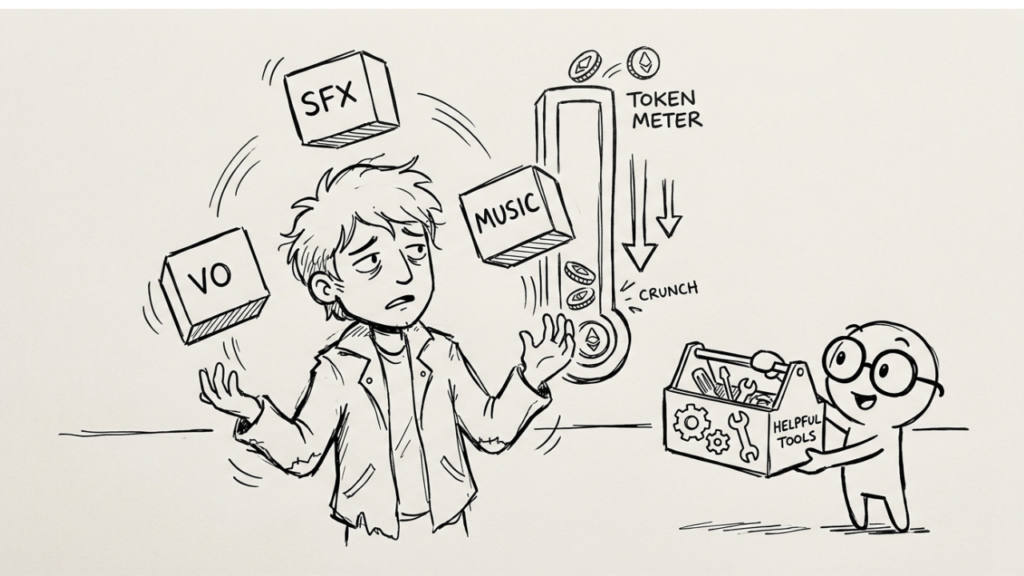
Tablet-based educational games need to work in a room where twenty or thirty devices may be producing audio at the same time. That changes the rules for volume, repetition, feedback and attention.
A classroom is not a quiet living room.
Several students may be playing the same game simultaneously. A teacher may be speaking. Devices may use built-in speakers. Students may be at different stages of the activity.
An audio design that feels clear and engaging on one tablet can become noise when multiplied across a room.
That is why classroom game audio needs to be designed as a shared acoustic problem, not only an individual player experience.
Design for Thirty Devices, Not One
The most useful mental test is simple.
Play the game on one tablet.
Then imagine the same confirmation sound coming from thirty tablets at slightly different times.
Does it still feel pleasant?
A bright, sharp UI cue may be easy to understand individually and exhausting when repeated across a class.
The environment changes the design target.
High-Frequency Sounds Need Restraint
Routine interactions should usually be short and controlled.
Navigation, selection and repeated confirmation sounds do not need large frequency ranges or long tails.
The more frequently an event occurs, the more important restraint becomes.
Soft transients and shorter envelopes can reduce the amount of acoustic clutter while still preserving feedback.
The sound should communicate locally without trying to dominate the room.
Avoid Shrill UI Palettes
Small tablet speakers naturally emphasize certain mid and high frequencies.
If the UI palette already contains sharp beeps or bright metallic tones, those sounds can become uncomfortable at classroom volume.
The design should be tested on the actual device speakers.
Headphones can hide a problem that becomes obvious the moment the game is played through several tablets in the same room.
The production target is not the studio monitor.
It is the classroom.
Voice Needs Absolute Priority
If the game uses spoken instructions, pronunciation or narrative guidance, voice should remain intelligible even when other audio systems are active.
Music, ambience and feedback should reduce density around important speech.
That may involve ducking, state changes or simply writing the arrangement with enough space.
In a classroom environment, there is also external noise competing with the device.
Clarity matters more than cinematic mix depth.
Music Should Be Designed Around Attention
Continuous background music can help create a friendly atmosphere, but it can also increase the total noise floor when many devices are active.
A lighter score may be more effective.
The game can use music in menus, rewards or transitions and reduce or remove it during instruction-heavy tasks.
Game Developer’s discussion of adaptive audio for mobile provides useful production context for changing audio behavior according to gameplay and device constraints. Those principles transfer well to tablet-based educational games.
The music system can react to the learning task instead of playing continuously.
Multiple Devices Create Accidental Rhythms
When several students trigger the same cue at different times, repeated sounds can create a constant background pattern.
This is another reason to avoid highly distinctive long feedback cues for routine events.
Variation can help slightly, but the stronger solution is usually reducing duration and intensity.
Some events may not need sound every time.
Silence can be part of the interface.
Use Stronger Audio Only for Important Events
A classroom-friendly mix benefits from hierarchy.
Routine feedback can stay small.
Important state changes, warnings or major achievements can use stronger cues because they occur less often.
This preserves contrast.
If every successful click sounds like a major reward, the room becomes loud and the game loses its own hierarchy.
The player should still be able to tell what matters.
Educational Evidence Should Inform, Not Overclaim
The 2025 Frontiers review of serious games in education discusses engagement and learning outcomes across the broader field. It provides useful evidence that serious games can support educational experiences under appropriate conditions.
That evidence does not mean louder audio or more feedback improves learning.
The sound-design recommendations still need to be tested with the actual students, devices and curriculum.
The classroom context should determine the final decisions.
Test With the Teacher in the Room
A useful audio test should include more than students wearing headphones.
Can the teacher give verbal instructions while the games are active? Does the room become tiring after twenty minutes? Are students forced to increase device volume because voice is unclear?
Those observations matter.
The best classroom audio is often audio that does its job without becoming the most noticeable thing in the room.
Accessibility Changes the Mix Again
Some learners may rely more heavily on audio feedback.
Others may need reduced stimulation.
The game should consider volume controls, subtitles, visual duplication of critical cues and the ability to reduce non-essential audio where appropriate.
One fixed mix does not fit every classroom or student.
Flexible settings are part of responsible design.
Tablet Speakers Need Realistic Expectations
Small speakers cannot reproduce deep low frequencies well.
Trying to create impact through sub-bass may waste energy while adding little to the player experience.
Focus on the frequency range the device can reproduce clearly.
The same applies to reverb and spatial effects.
A simple, clear cue often translates better than a complex design that depends on headphones.
Classroom Audio Is Still Game Audio
The constraints are different, but the same production principles apply.
Events need clear functions. Repetition needs variation or restraint. Voice needs hierarchy. Implementation needs to respond to game state.
The educational setting adds another layer: the game shares acoustic space with other players and a teacher.
That environment needs to be part of the brief.
For the individual-learning side, see Sound Effects in Educational Games.
What Makes Great Game SFX Design? also provides broader production criteria that apply beyond education.
A Practical Classroom Test
Before approving the audio, play several devices simultaneously in a real or simulated classroom setup. Trigger routine interactions repeatedly, play voice instructions and ask whether the teacher can still speak comfortably over the room.
The answer will reveal more than another mix review on headphones.
Next Step
If your educational game is intended for classrooms, define the number of simultaneous devices, speaker type and expected session length before locking the UI and music palette.
Explore Flutu’s game-audio work or send us the classroom setup and game format if you want to design audio around shared learning conditions rather than a single isolated device.